What Is VBA And Macros In Excel, Their Benefits, And How To Learn
VBA and Macros help Excel users automate repeated tasks, create custom tools, save time, reduce manual errors, and build smarter spreadsheet systems for business reporting, data cleaning, dashboards, forms, and daily office work.
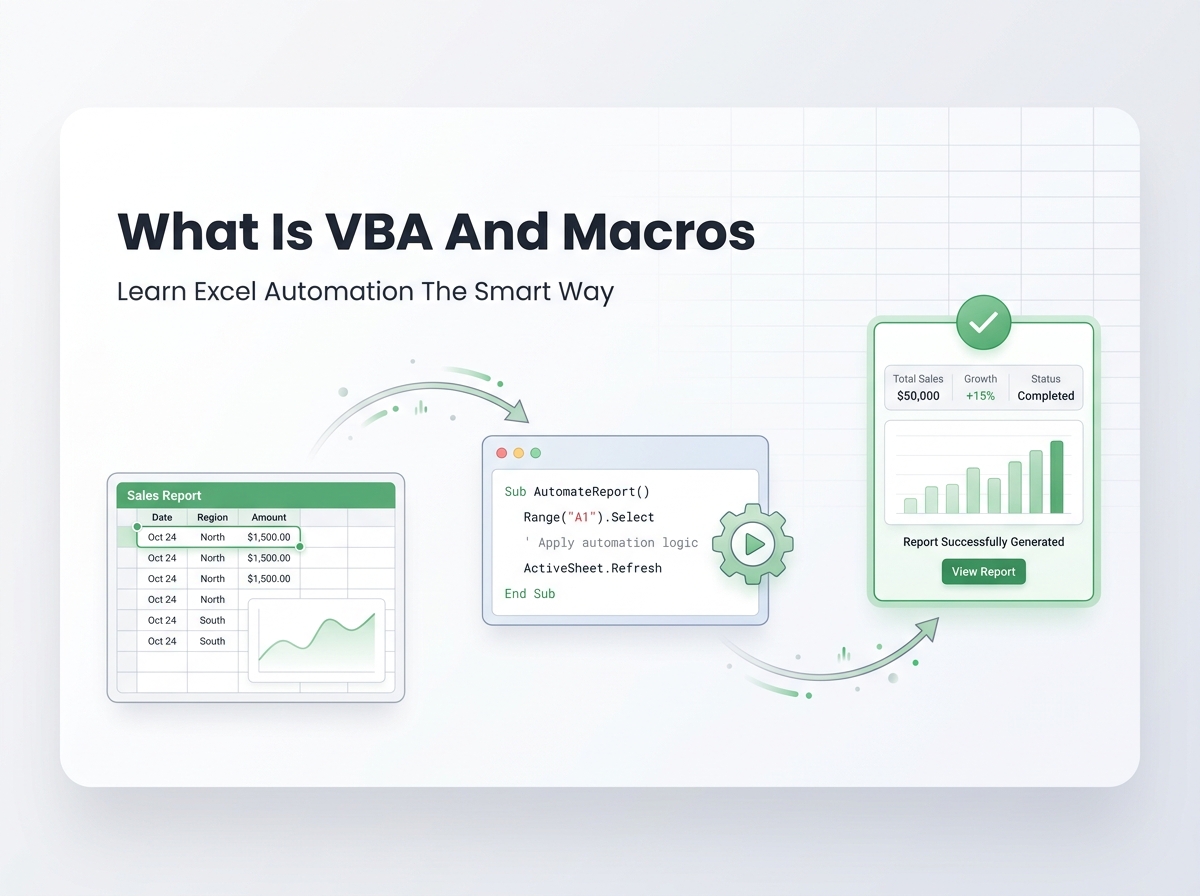
What Is VBA In Excel
VBA stands for Visual Basic for Applications. It is a programming language built into Microsoft Office applications such as Excel, Word, Access, Outlook, and PowerPoint. In Excel, VBA is mainly used to automate tasks, control worksheets, process data, create reports, build forms, and connect Excel with other Office tools.
In simple words, VBA allows you to tell Excel what to do. Instead of clicking the same buttons again and again, copying data manually, formatting reports by hand, or repeating long steps every day, you can write VBA code once and let Excel do the work automatically.
VBA is especially useful when normal Excel formulas are not enough. Formulas can calculate values, but VBA can perform actions. It can open files, clean data, move records, create reports, send emails, generate PDFs, update dashboards, and run many steps with one click.
What Are Macros In Excel
A Macro is a recorded or written set of actions that Excel can run automatically. When you create a Macro, you are creating a shortcut for a repeated task.
For example, if you format a report every Monday by changing fonts, applying borders, adjusting columns, adding totals, and saving a PDF, you can create a Macro to do all those steps automatically.
There are two common ways to create Macros in Excel.
The first way is using the Macro Recorder. This records your actions and turns them into VBA code.
The second way is writing VBA code manually. This gives you more control and allows you to build advanced automation tools.
A Macro is the task automation. VBA is the language behind it.
Difference Between VBA And Macros
Many people use the words VBA and Macros together, but they are not exactly the same.
VBA is the programming language used to write automation instructions.
A Macro is the automated procedure that runs inside Excel.
You can think of it this way. VBA is the language, and a Macro is the action created with that language.
For simple tasks, the Macro Recorder may be enough. For advanced work, such as cleaning large data, creating dashboards, connecting Excel to Outlook, generating certificates, or building custom forms, VBA coding is usually needed.
Benefits Of Using VBA And Macros In Excel
VBA and Macros can bring major benefits to businesses and professionals who work with Excel every day.
They save time by automating repeated tasks. A report that takes one hour to prepare manually can often be completed in seconds or minutes with a Macro.
They reduce manual errors because the same steps are performed consistently every time.
They improve productivity by allowing users to focus on analysis and decisions instead of repetitive copy paste work.
They help create professional tools inside Excel, such as custom buttons, forms, dashboards, report generators, and automated templates.
They can connect Excel with Word, Outlook, PowerPoint, Access, PDF files, CSV files, and other business processes.
They also make Excel more powerful for business reporting, data cleaning, financial analysis, inventory management, invoice generation, certificate printing, and large file processing.
Real Life Example Of VBA And Macros
Imagine a small business that receives sales data every week from different branches. The data comes in separate Excel files. An employee has to open every file, copy the records, paste them into one master workbook, clean the columns, remove blanks, create a Pivot Table, update charts, and prepare a summary report.
Doing this manually every week can take several hours. It can also create mistakes because the process depends on repeated manual steps.
With Excel VBA and Macros, the business can automate the full process. The Macro can open all files from a folder, combine the data, clean unnecessary rows, refresh the Pivot Table, update the dashboard, create a PDF report, and save the final file.
Instead of spending hours on repeated work, the employee can click one button and review the final report.
This is the real power of VBA and Macros. They turn Excel from a normal spreadsheet into a smart business automation tool.
Simple VBA Macro Example For Beginners
Below is a simple VBA Macro that formats a basic Excel report. It makes the header bold, applies a fill color, adjusts column width, and adds a message when the task is complete.
Sub FormatSalesReport()
Dim ws As Worksheet
Set ws = ActiveSheet
With ws.Range("A1:E1")
.Font.Bold = True
.Interior.Color = RGB(198, 239, 206)
.Borders.LineStyle = xlContinuous
End With
ws.Columns("A:E").AutoFit
MsgBox "Report formatting completed successfully"
End Sub
This is a simple example, but it shows how VBA can control Excel actions. Instead of formatting the report manually every time, you can run this Macro and apply the same formatting instantly.
A more advanced Macro can clean data, create charts, update reports, generate PDFs, send emails, or connect Excel with other Microsoft Office applications.
How To Learn VBA And Macros
The best way to learn VBA and Macros is to start with real Excel tasks you already do. Do not begin with complicated coding theory. Start with a small repeated task and try to automate it.
First, learn how to use the Macro Recorder. Record simple actions such as formatting cells, filtering data, copying ranges, and saving files. Then open the VBA editor and study the code that Excel created.
Second, learn the basic VBA structure. Understand Sub procedures, variables, ranges, worksheets, workbooks, loops, conditions, and message boxes.
Third, practice with small projects. Good beginner projects include formatting a report, cleaning blank rows, combining sheets, creating a PDF, or moving data from one sheet to another.
Fourth, learn how to debug errors. VBA learning becomes much easier when you understand how to find and fix mistakes in your code.
Fifth, build real automation tools. Once you understand the basics, you can create custom buttons, forms, dashboards, bulk document generators, email automation tools, and reporting systems.
The fastest way to learn VBA is by solving real Excel problems. Every small project teaches you something useful.
Conclusion
VBA and Macros are powerful tools for anyone who wants to automate Excel work, reduce manual effort, and build smarter spreadsheet systems. VBA is the programming language, while Macros are the automated actions created with VBA.
They can help businesses save time, reduce errors, create better reports, clean data faster, automate dashboards, generate documents, and connect Excel with other Microsoft Office tools.
If you use Excel regularly and repeat the same tasks again and again, learning VBA and Macros can make your work faster, cleaner, and more professional.
At Excel Expert Help, we create custom Excel VBA and Macro automation solutions for businesses that want to save time, improve accuracy, and get more value from Microsoft Excel.
